
10 Best logo makers in 2026: free and paid, compared
TABLE OF CONTENTS
TL;DR
Free tools like Canva and Adobe Express are enough for a placeholder mark, but most only export raster files on the free tier, so you cannot scale the logo for signage or print. If you need a vector file, full commercial rights and a matching brand kit, a design subscription starting at $699/mo produces a custom logo for less than a one-off agency fee.
- ✅ Best overall: ManyPixels, from $699/mo. A designer draws a custom logo, then builds the business cards, social graphics and brand guidelines around it, with full IP transfer and native source files.
- 🎨 Best free logo maker: Wix's logo maker (now part of Wixel). It is the only tool on this list that lets you download an SVG vector file without paying.
- 💰 Best cheap vector file: TurboLogo at $39.99, one-time, for SVG and PDF files with full commercial and copyright rights.
- ⚠️ The caveat: Canva logos built from templates or stock elements cannot be registered as a trademark, according to Canva's own help pages.
- ❌ Skip a logo maker if: you plan to trademark the mark, print it large, or build a brand around it for years.
A logo maker is the fastest way to get a new logo up and running. It is also the easiest way to end up with a file you can't print, a design someone else can make in five minutes, or a logo you're not allowed to trademark. The difference between those outcomes is almost never the design. It's the file format and the licence.
So this list compares ten options on the things that decide whether a logo is still usable in a year: what the free tier actually lets you download, whether you ever get a vector file, and what rights you own. If you are still deciding between doing it yourself and hiring someone, our logo design cost guide prices out all seven routes.
Full disclosure: ManyPixels is our own service and it sits at number one. It is not a logo maker in the DIY sense, and the entry below explains exactly when it makes sense and when a free tool is the smarter call.
1. ManyPixels
{{LOGOS_PORTFOLIO="/dev/components"}}
ManyPixels is a design subscription, not a generator. You brief a professional designer, they draw a logo from scratch, and you revise it until it's right. Then, on the same subscription, they design everything the logo has to live on.
What $699/mo covers: The Advanced plan gives you one daily output with next-day delivery, a project manager and a quality check on every file. For a logo, a daily output is one logo draft, and first drafts typically arrive within 24 to 48 hours. Requests, revisions and brands are all unlimited, and you get native source files plus JPG, PNG, PDF and SVG exports, with full copyright and IP transferred to you on delivery.
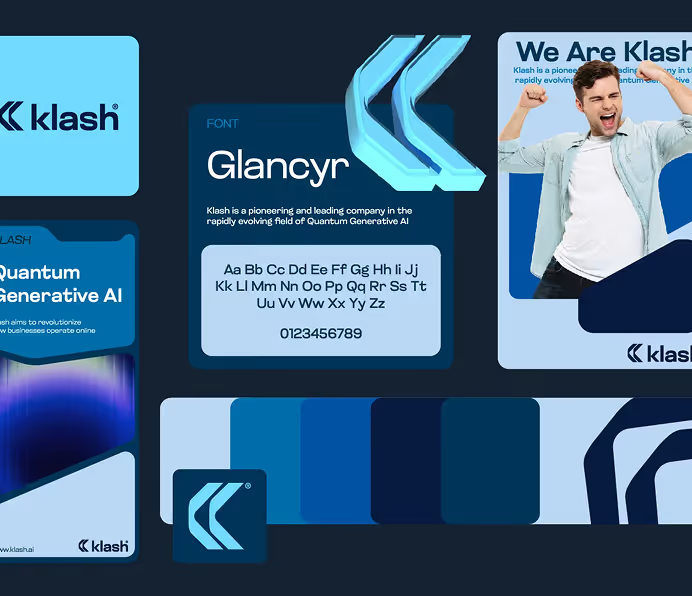
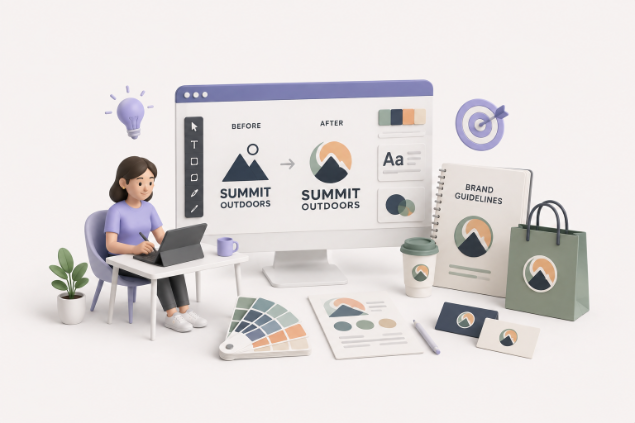
The brand kit: This is the part no logo maker can do. Once the logo is approved, the same designer can produce business cards, email signatures, social media profile and post graphics, letterheads and a short set of brand guidelines, all drawn to fit your mark rather than auto-filled from a template. Our guide to what a branding package includes lists the full set.
If you only need design for a month or two, you can pause for $10/month and keep every file and request in your account.
✅ Best for: businesses that want a logo they can trademark, print at any size and build a brand on, plus the assets that come after it.
❌ Not ideal for: a side project or a name you're still testing. Use a free tool from the list below and come back when the business is real.
2. Wix logo maker (Wixel)
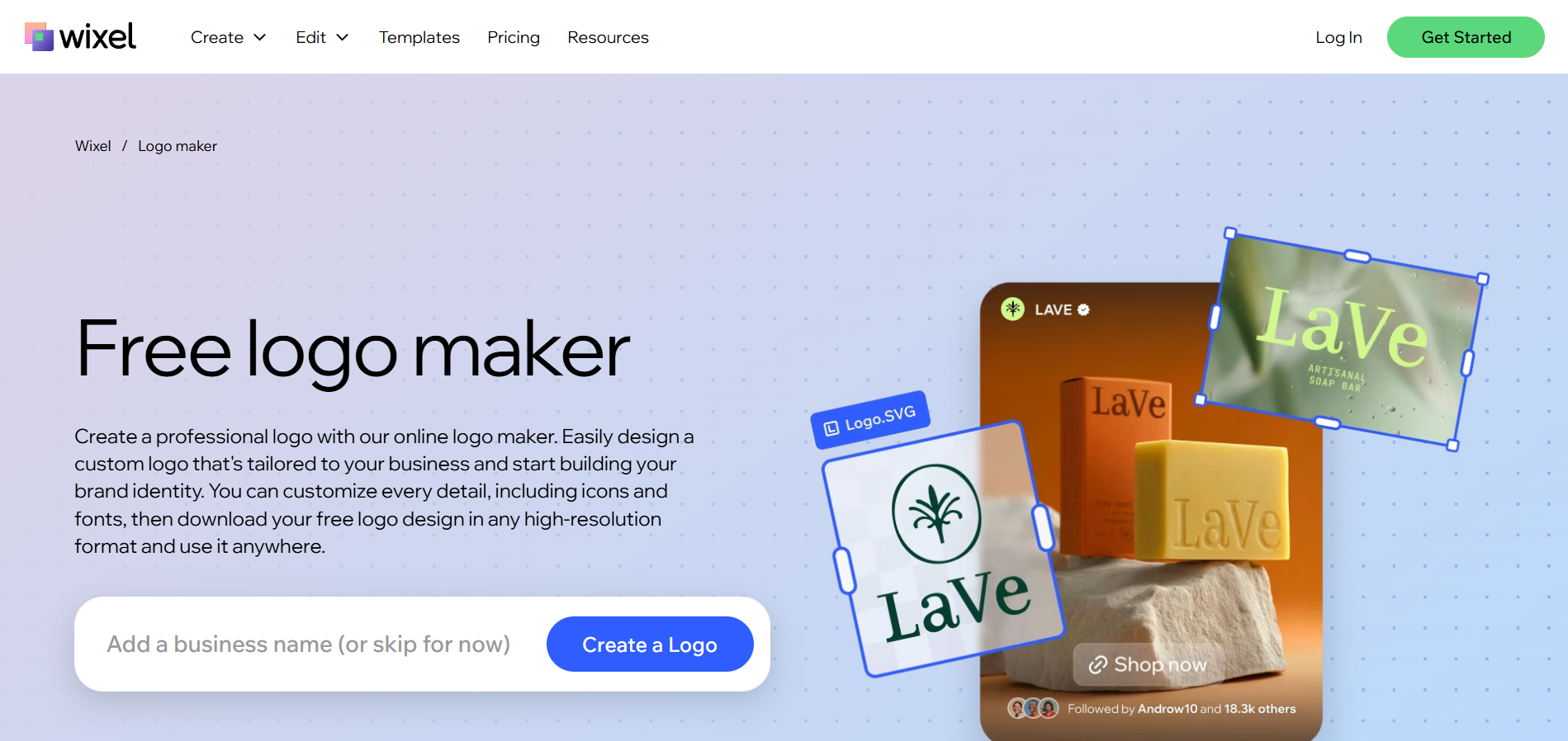
The Wix logo maker now runs inside Wixel, Wix's standalone design app, and it changed in the move. Older reviews (including the previous version of this article) say you have to buy a plan to download your logo. That is no longer true. According to the Wixel page, you can download your logo for free in SVG, PNG, transparent PNG or JPG, in any quality.
You can start from a template or answer a few questions about your business and let the AI suggest designs, then edit colors, fonts, icons and layout. Our older walkthrough of the Wix logo maker covers the editor in more detail.
Pricing: Free, with 120 AI credits a month. Paid Wixel plans start at $90 a year (Basic, billed yearly) and only add AI credits. File access is the same on every plan.
The catch is exclusivity. Wix says its icons and fonts are licensed for commercial use but are available to every user, so your logo's uniqueness comes only from the combination you build.
✅ Best for: anyone who needs a free logo they can actually print.
❌ Not ideal for: a mark you want to register, since the building blocks are shared with every other Wixel user.
3. Canva
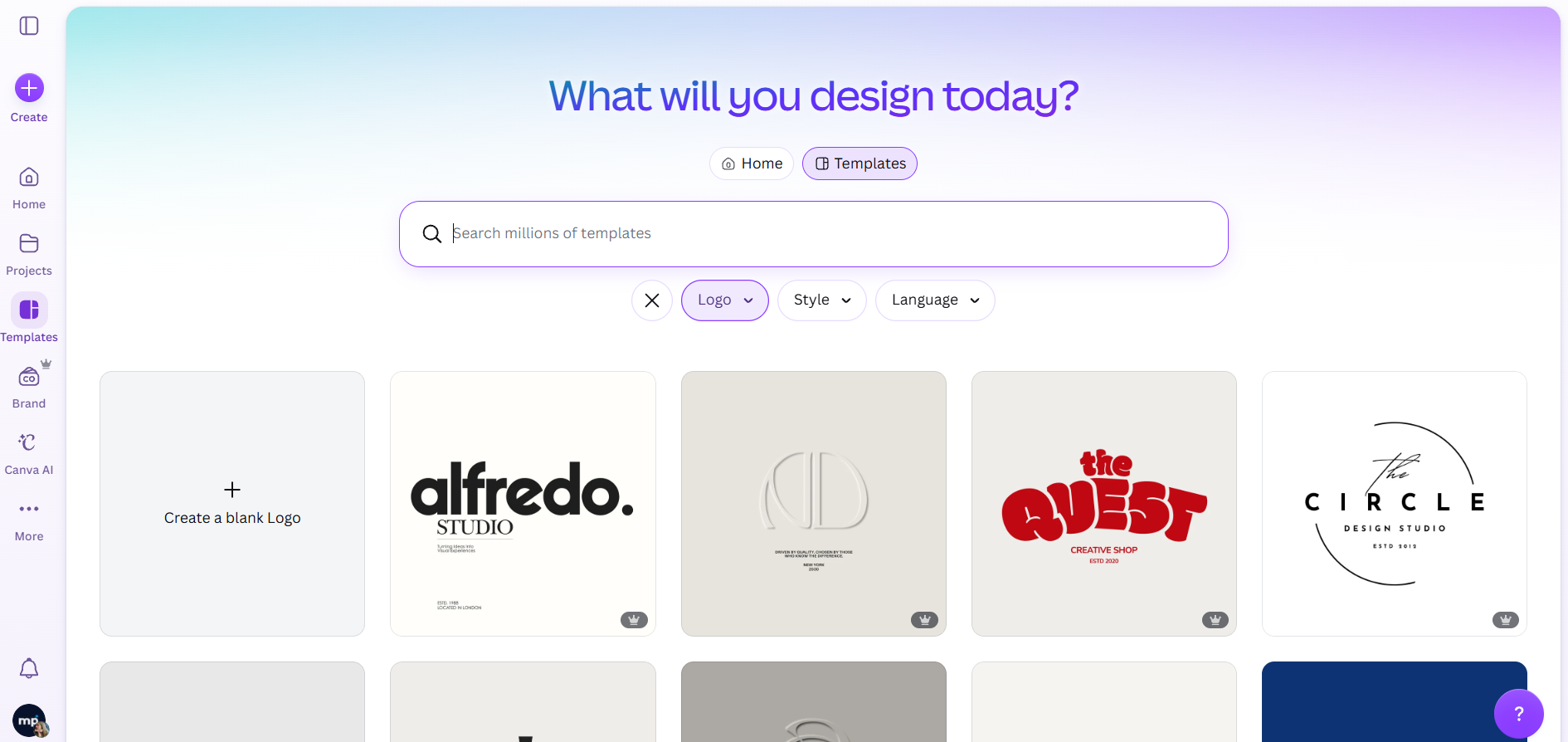
Canva is where most people start, and for good reason. The editor is easy, the template library is enormous, and it's free. If you want template inspiration beyond Canva's own library, these Canva creators publish some of the best.
Two limits matter for logos. First, file formats: Canva's help centre says transparent PNGs and SVGs are only available on Canva Pro and above, so a free logo comes out as a JPG, PDF or a PNG with a background. Second, trademarks: Canva states plainly that if you build a logo from a template, your rights are non-exclusive and you can't register it as a trademark. The same applies to stock graphics inside the logo.
Pricing: Free, or Canva Pro at $144 a year for one person in the US. Our rundown of Canva's free and Pro features covers the rest of the upgrade.
✅ Best for: teams already using Canva for social posts who want a matching placeholder logo.
❌ Not ideal for: anything you plan to trademark, unless you draw every element yourself.
4. Adobe Express
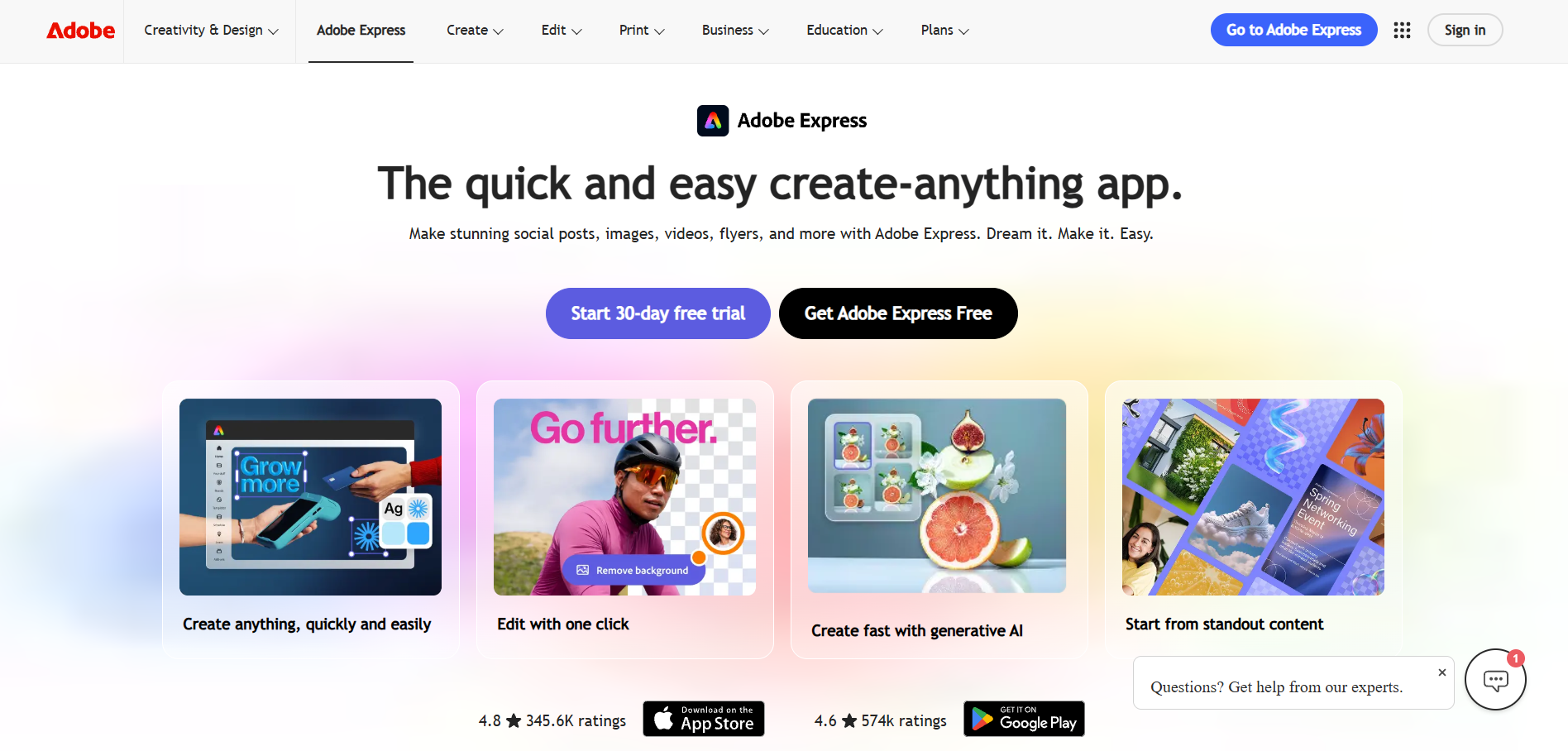
Adobe Express is Adobe's browser-based design tool, and its logo templates are some of the most polished on this list. The drag-and-drop editor is smooth, and you get 4,000+ Adobe Fonts on the free plan, which matters more for a logo than most features.
It is also more generous than Canva on the free tier. According to Adobe's plan comparison, free accounts can export JPG, PNG, PDF and a PNG with a transparent background. What you can't do is export your design as an SVG, so there's no clean vector file for a printer.
Pricing: Free, or Premium at $9.99 a month (billed monthly, no annual commitment), which unlocks premium templates, the full font library and 250 generative AI credits a month.
✅ Best for: a good-looking free logo for web and social, with a transparent background.
❌ Not ideal for: print, signage or merch, where you'll need a vector file.
5. Looka
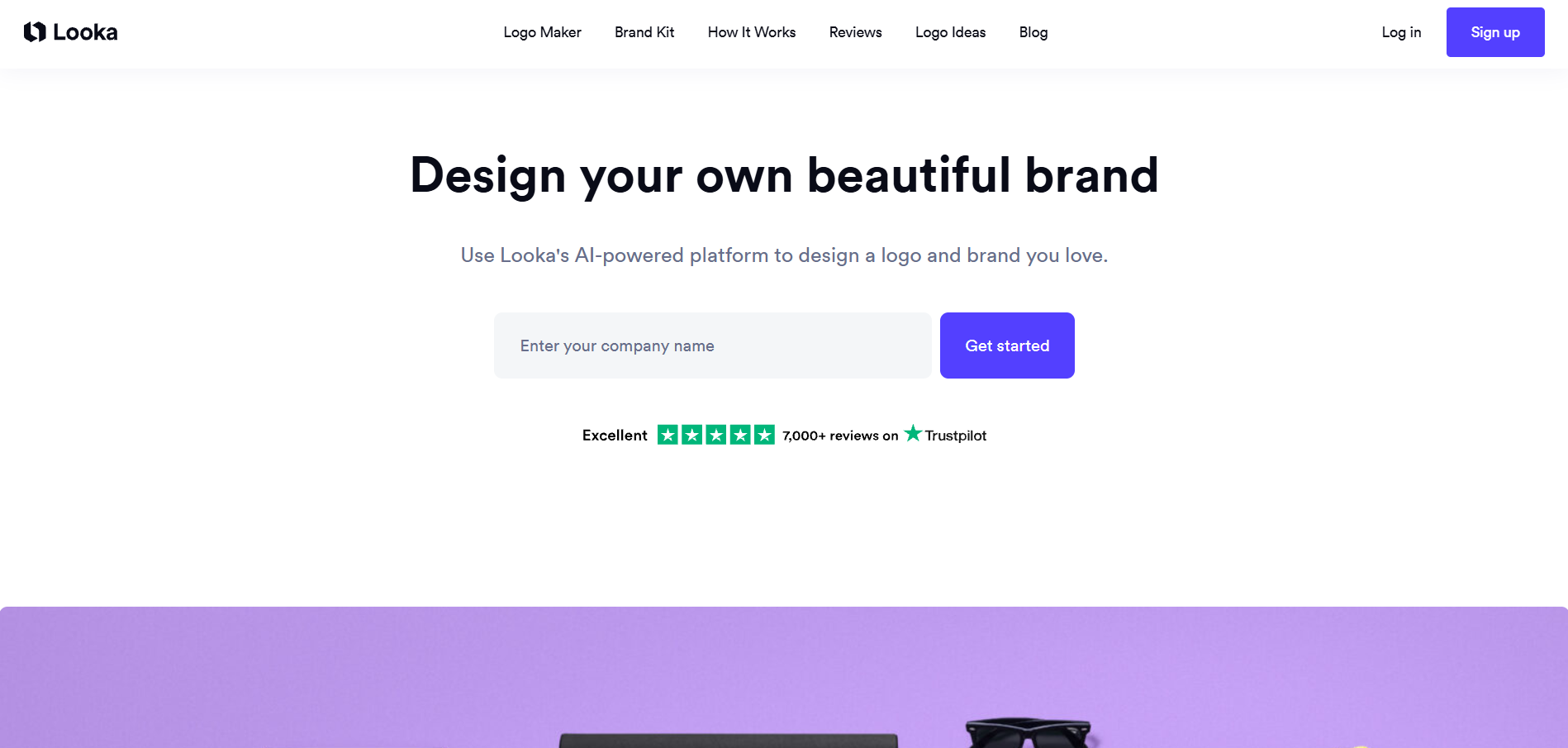
Looka is an AI logo generator. You enter your company name, pick a few logos you like the look of, and it produces pages of options. It's quick, but in our testing the results lean heavily on text: most options were a wordmark with one small icon, so expect to do some editing if you want a distinctive symbol.
Pricing: Designing is free; downloading is not. According to Looka's pricing page:
- Basic Logo Package: $35 one-time, for one low-resolution PNG.
- Premium Logo Package: $72 one-time, for high-res PNG, EPS, SVG and PDF files, color variations and full ownership.
- Brand Kit Subscription: $96 a year, adding business cards, social templates and brand guidelines. You keep ownership of the logo if you cancel.
✅ Best for: founders who want a full DIY brand kit in one place.
❌ Not ideal for: anyone on a zero budget. The $35 tier is a single low-res file, so the real price is $72.
6. LogoMakr
LogoMakr gives you a blank canvas with shapes, icons and freehand drawing, plus an AI logo maker if you'd rather start from suggestions. It feels closer to a lightweight vector editor than a template picker, which gives you more control if you have some design sense.
The free option the old version of this article described (a 250px PNG) is gone. Designing is free, but every download is now paid. On the plus side, LogoMakr's pricing page says every package comes with full commercial ownership and that it never reuses customer logos.
Pricing (all one-time, no subscription):
- Basic: $29 for high-res PNG and JPG.
- Pro Kit: $60 for SVG and PDF vector files, transparent PNG and a social media size pack.
- Premium Finish: $120 for a logo finished by hand by LogoMakr's design team, with unlimited revisions.
✅ Best for: people who want to build the logo themselves and own it outright.
❌ Not ideal for: anyone who wants a finished result with no design effort.
7. TurboLogo
TurboLogo asks for your business name and industry, shows you reference styles, and generates options you can edit in a Canva-like menu. Its most useful touch is that it previews your logo on t-shirts, signage and business cards as you go, which helps you spot a design that falls apart at small sizes.
Pricing: Designing is free. Downloads are one-time payments with three months of editing access included, according to TurboLogo's pricing page:
- Lite: $19.99 for one low-resolution file, 1000px wide, without a transparent background.
- Standard: $39.99 for 2000px files with transparent backgrounds plus print-ready SVG and PDF, with full commercial and copyright rights.
- Business: $79.99, adding EPS files, a brand book, business documents and social media kits.
✅ Best for: the cheapest one-time path to a vector file and full rights.
❌ Not ideal for: the Lite plan, which isn't usable beyond a website header.
8. DesignEvo
DesignEvo is template-first, with a library of 10,000+ logo templates and a simple editor for colors, fonts and shapes. You can also start from scratch.
Read the plan table carefully, because the rights change between tiers. According to DesignEvo's pricing page, the free plan requires you to credit DesignEvo and caps downloads at 300px. The $24.99 Basic plan removes the credit and lifts files to 5000px, but still gives you PNG and JPG only. Vector SVG and PDF files and copyright ownership only arrive with the $49.99 Plus plan. Both paid plans are one-time payments.
✅ Best for: browsing a huge template library to find a starting point.
❌ Not ideal for: the free or Basic plans if you need to own the design.
9. Shopify Logo Maker
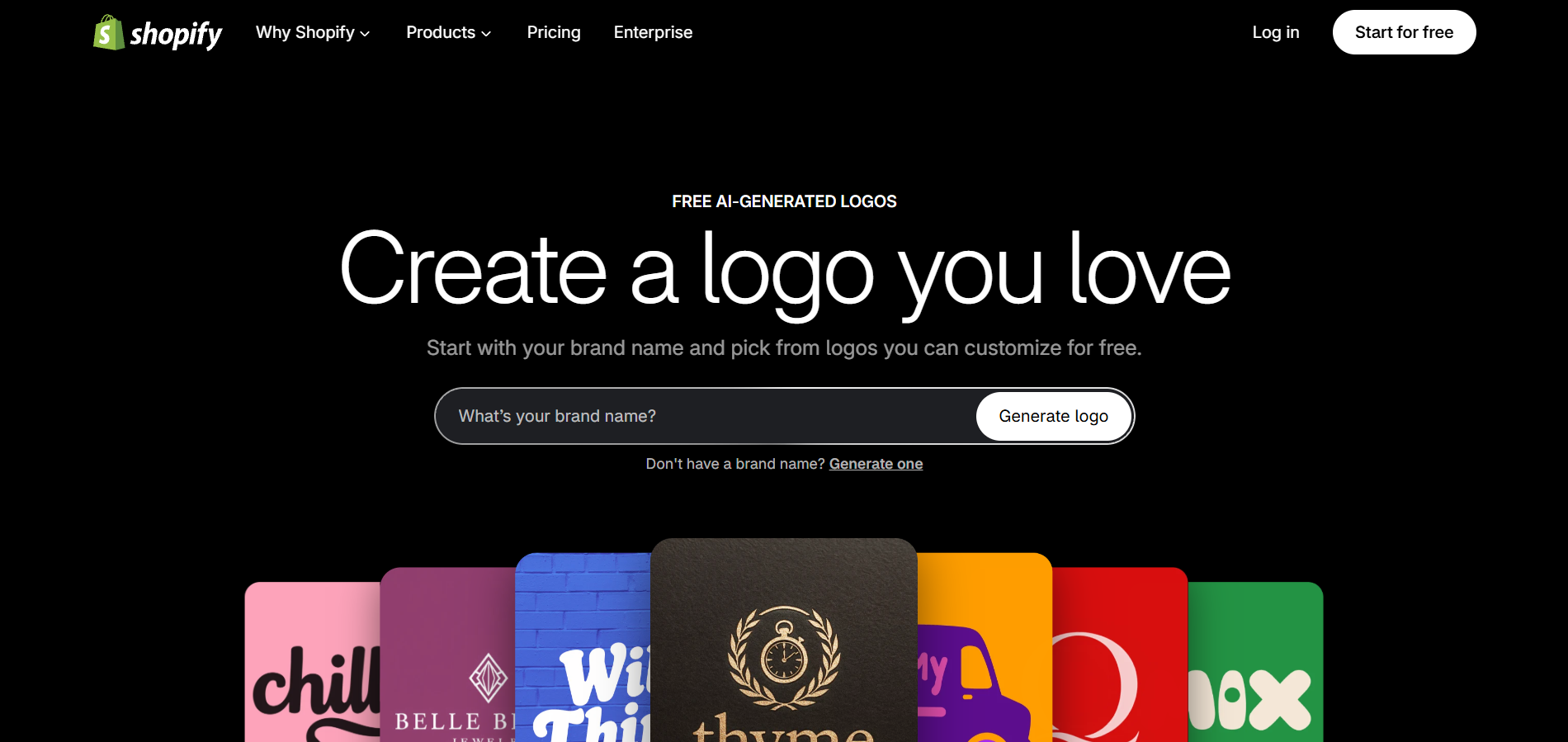
Shopify's old logo maker, Hatchful, has been retired, and the new Shopify Logo Maker works differently. Instead of a template editor, you type a brand name and an AI model generates a grid of logo options, with a small allowance of regenerations per session.
Pricing: Completely free, with no paid tier. Shopify says the logo is 100% free and yours to own.
The trade-off is the file. When we tested it, the generated options were raster images (512px PNG previews), and we found no vector download. That makes it a quick way to visualise a name, not a production logo. If you go the AI route, our AI logo prompts guide will get you better results from any generator.
✅ Best for: new Shopify store owners who need something on the storefront today.
❌ Not ideal for: print, or any logo you need to edit precisely.
10. Tailor Brands
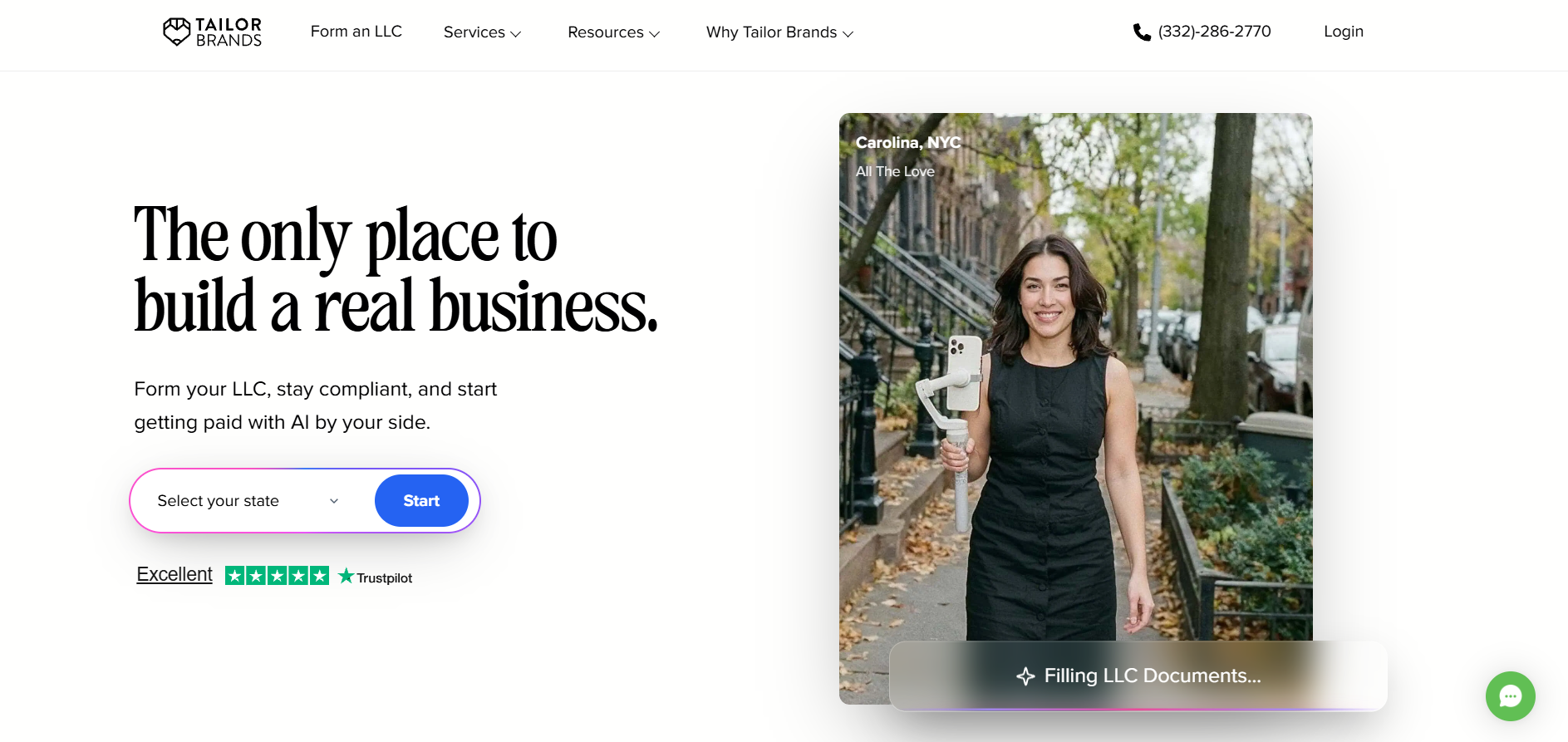
Tailor Brands still has the most detailed questionnaire of any tool here: logo type (wordmark, monogram or icon), font style, and more. Once you pick a design, it generates matching social posts, business cards and a brand book.
The business around it has changed, though. Tailor Brands now sells itself primarily as an LLC formation service, and logos are bundled into those plans. According to its pricing page, every plan includes 8 logos, from the $0 Lite plan (you pay only US state filing fees) to Essential at $199 a year. Its logo maker page says you can download a low-resolution version free, while vector EPS and SVG files are paid, with full commercial rights once purchased. A standalone logo-only price is shown only at checkout.
✅ Best for: US founders forming an LLC who want a logo thrown in.
❌ Not ideal for: anyone outside the US, or anyone who just wants a logo without a business-formation upsell.
Which logo maker should you use?
Start from what you need the file to do, not from the tool.
- 🎨 You need a free logo you can print: Wix logo maker (Wixel). It's the only free SVG.
- 💡 You need a free logo for web and social only: Adobe Express, for its free transparent PNG.
- 💰 You'll pay once for a vector file and full rights: TurboLogo Standard (39.99)orLogoMakrProKit(60).
- 🚀 You want a DIY brand kit around the logo: Looka Brand Kit ($96 a year).
- ✅ You want a custom logo you can trademark, plus everything that comes after it: ManyPixels, from $699/mo.
Whichever route you take, the basics of a good mark don't change. Our step-by-step guide on how to create a logo and our list of the best fonts for logos will make any of these tools produce a better result.
When to stop using a logo maker
Logo makers are a good answer to "I need a logo by Friday." They are a poor answer to "I need a brand." You've outgrown one when any of these is true:
- You want to register a trademark. Template elements and shared icons make that difficult or impossible.
- You've found your logo, or something very close to it, on another business.
- A printer, sign maker or embroiderer has asked for a vector file you don't have.
- You're spending more time making social graphics, decks and ads match the logo than running the business.
At that point the cheaper option is usually a designer, not a better generator. We've looked at whether AI logo generators can replace human designers, and the short answer is that they're good at producing options and bad at producing a brand.
{{BRAND_BANNER="/dev/components"}}
FAQs
Final word: are free logo makers a good idea?
Free logo makers are genuinely good now, and for a side project or a name you're still testing, one of them is the right call. 🎨 Use the Wix logo maker if you need a free vector file, and Adobe Express if you just need a clean PNG for the web.
But a logo maker gives you a file, not a brand. ⚠️ Most free tiers stop at raster images, shared icons make trademarks risky, and nobody makes the rest of your materials match. ✅ If the logo is going on your storefront, your packaging and your trademark application, have a designer draw it. ManyPixels is a design subscription built for small businesses: a custom logo, the brand kit around it, and unlimited revisions, for a flat monthly fee you can pause any time.

Zach is a content and SEO strategist with an affinity for cars, tech, and animals. He runs a SaaS content agency, and when he's not typing, he runs his small-scale farm at home.

Top-quality designers
A complete creative team at your fingertips: graphic and web designers, illustrators, and more.
Lightning-fast turnaround
Get start today and receive your first update on the next business day.

All-inclusive pricing
Unlimited requests and revisions. One flat monthly fee. No surprises.
Flexible & scalable model
No contract. Scale up and down as needed. Pause or cancel at anytime.
Continue reading
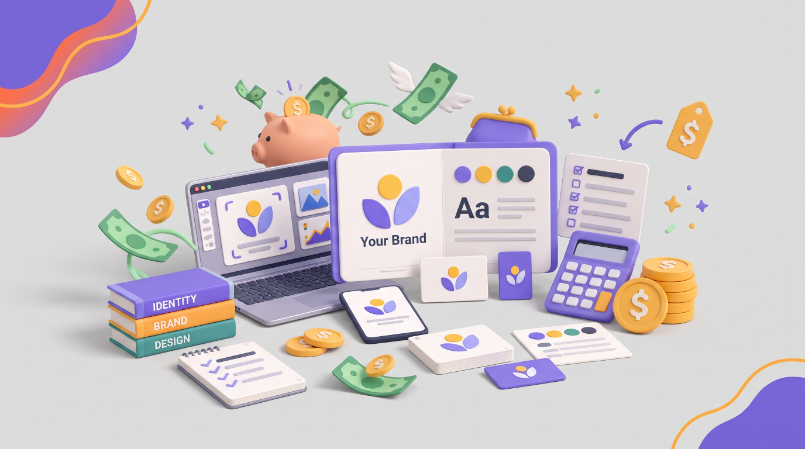
Explore some of our best designs
Get inspired by a curated selection of ManyPixels work. Download the portfolio to see what our team can create.